Wired USB & Wireless Link
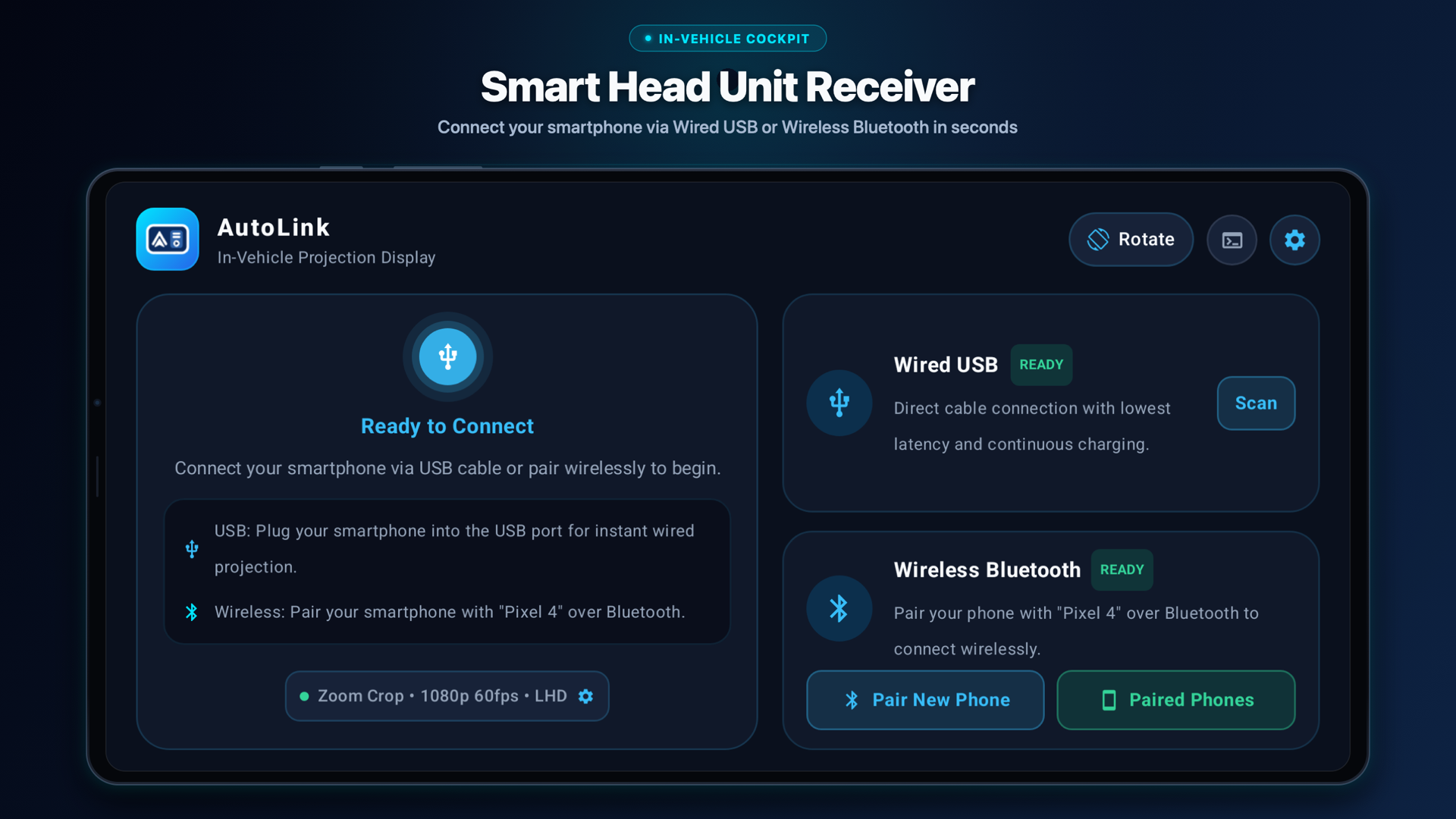
Plug in via USB for ultra-low latency and continuous charging, or pair once over Bluetooth for automatic Wi-Fi projection every drive.
AutoLink transforms aftermarket Android head units, tablets, and secondary Android devices into a responsive Android Auto projection display—over Wired USB or Wireless Bluetooth & Wi-Fi.
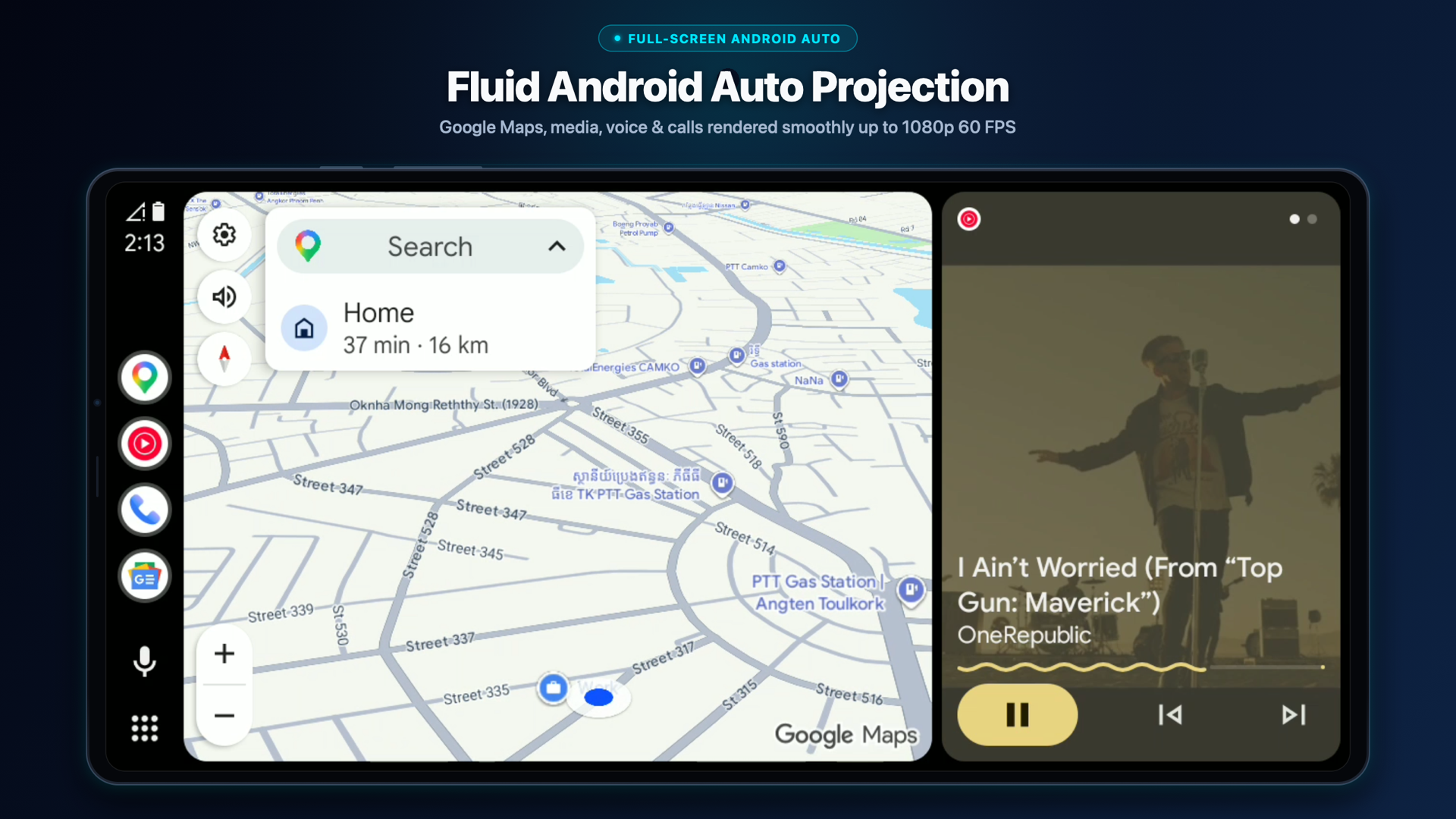
Designed specifically for aftermarket Android head units and dashboard tablets with low-latency video, audio, and automatic reconnection.
Plug in via USB for ultra-low latency and continuous charging, or pair once over Bluetooth for automatic Wi-Fi projection every drive.
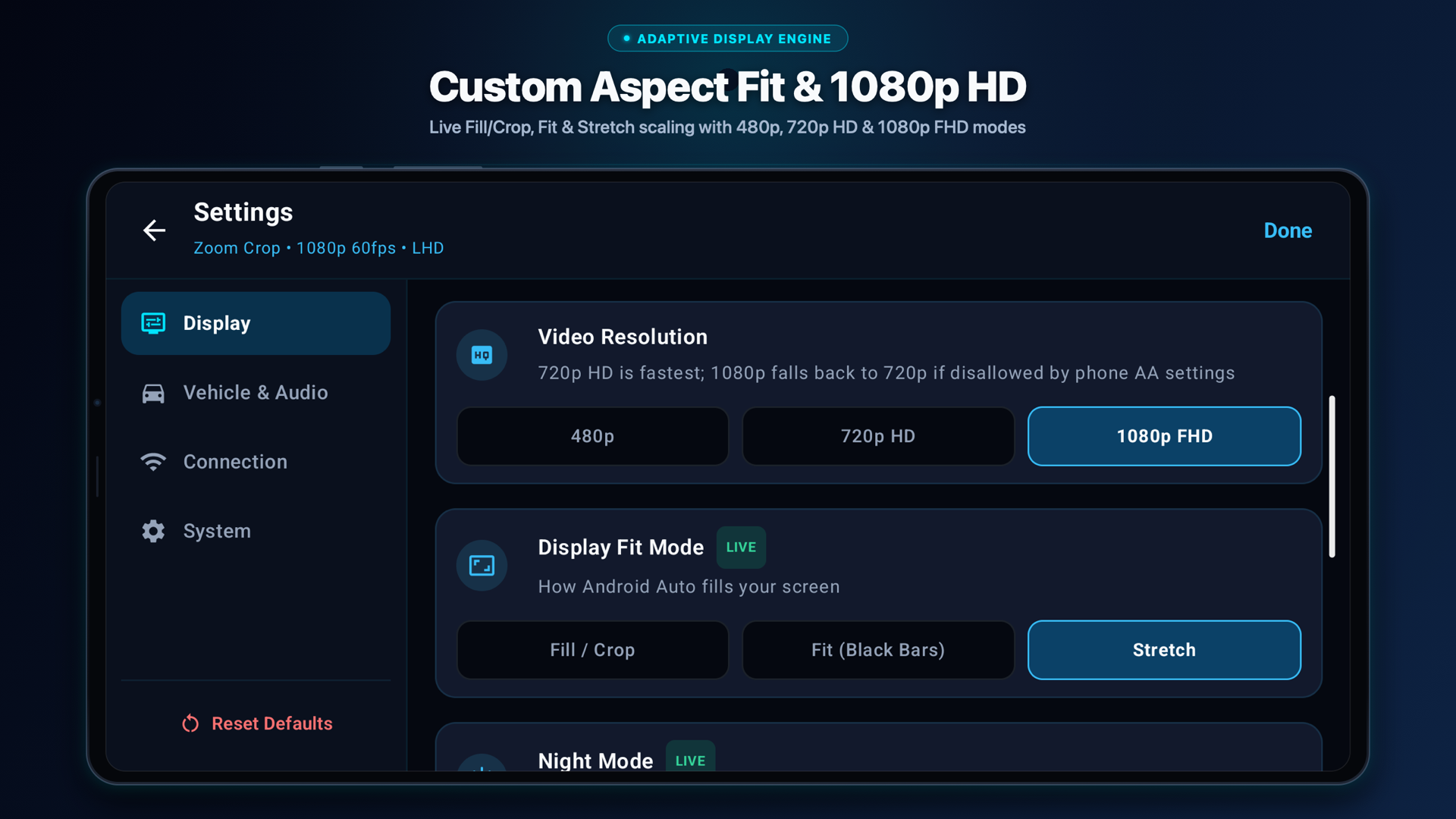
Choose Full Screen, 16:9 Fit, or Zoom Crop to fit any dashboard aspect ratio, with 480p, 720p HD, or 1080p FHD up to 60 FPS.
Sync maps and UI automatically with system dark mode, set custom sunrise/sunset schedules, or lock Day/Night manually.
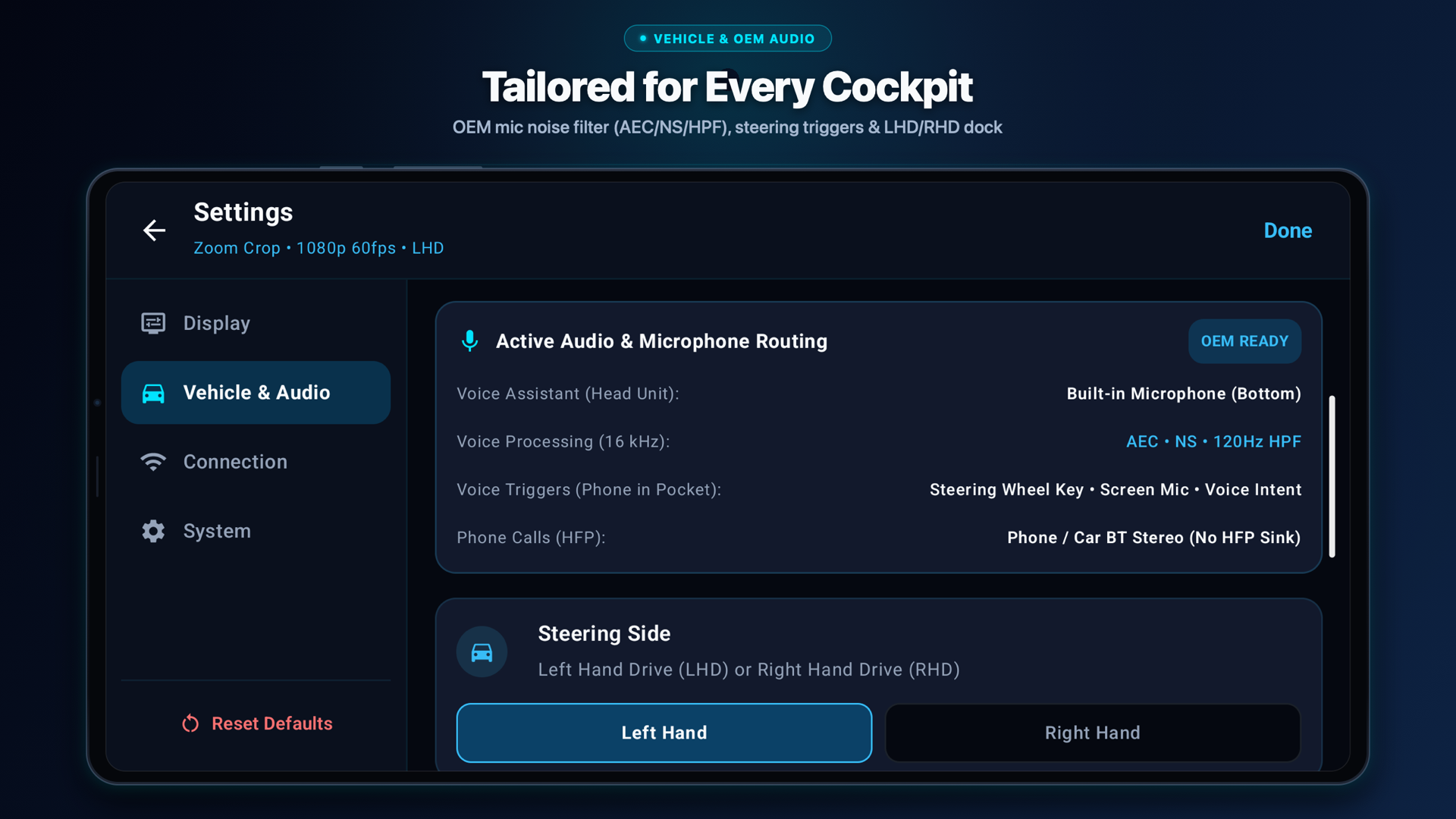
Switch Left-Hand Drive (LHD) or Right-Hand Drive (RHD) dock placement, select phone or head-unit GPS, and forward car mic input.
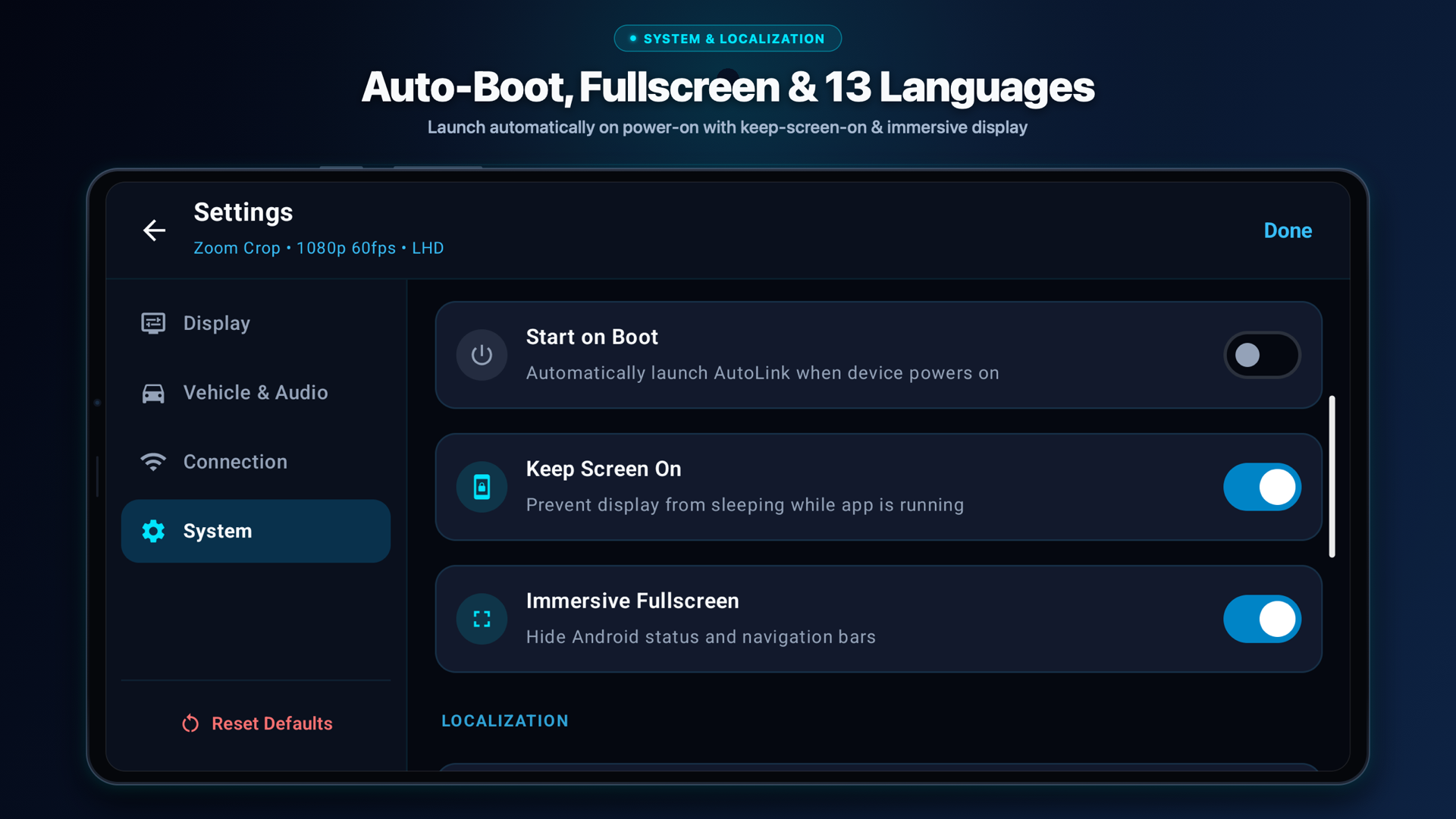
Keep the background listener running, auto-wake paired smartphones, auto-reconnect on drop, and optionally auto-start on device boot.
Monitor USB accessory states, Bluetooth handshakes, hotspot status, and video/audio channels in real time on the dashboard.
Tap any screenshot below to view it full size.
No complex configuration required—get connected in under a minute.
Install AutoLink on your Android car stereo, dashboard tablet, or Android display (Android 7.1 or newer) and grant the requested permissions.
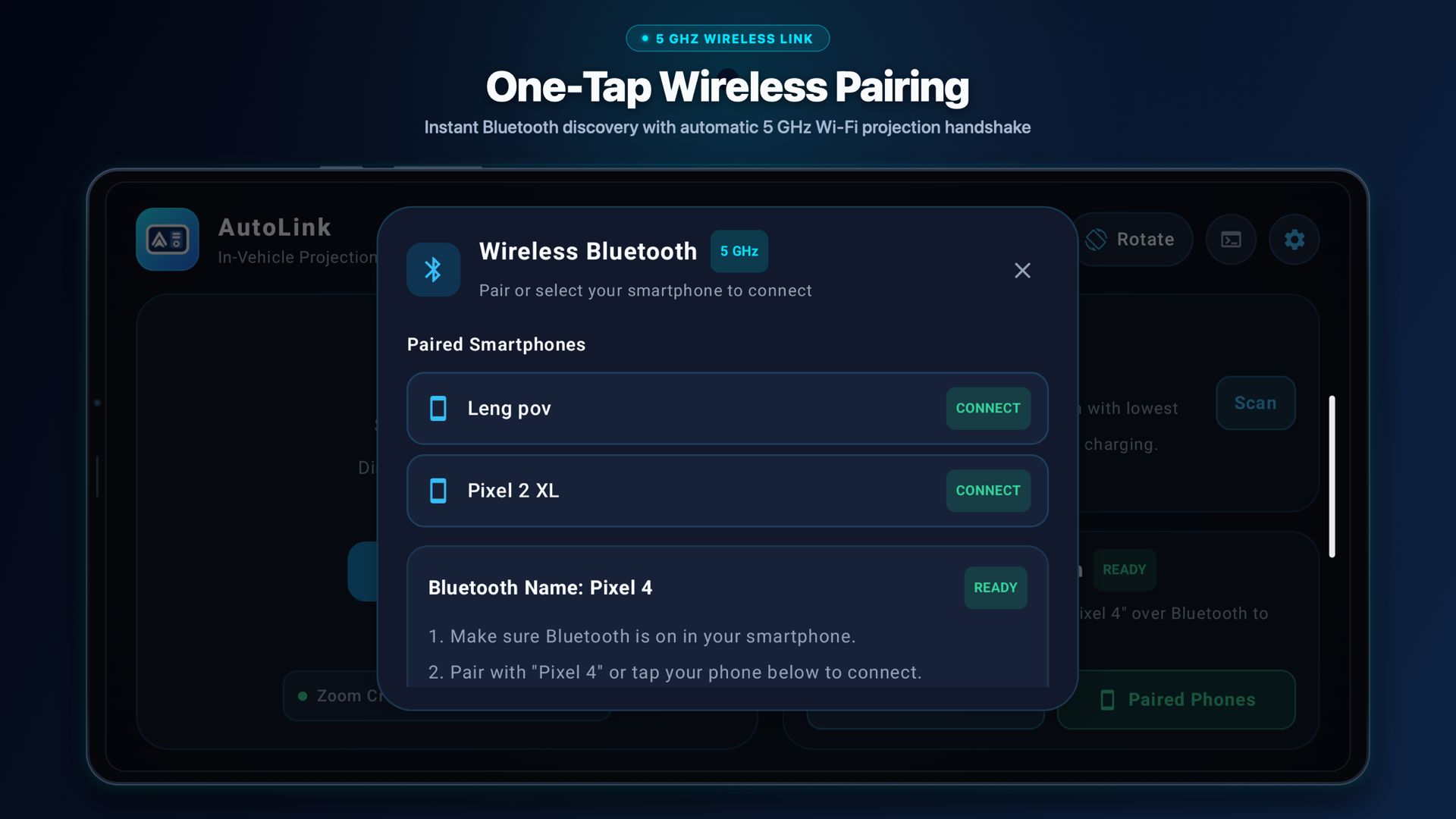
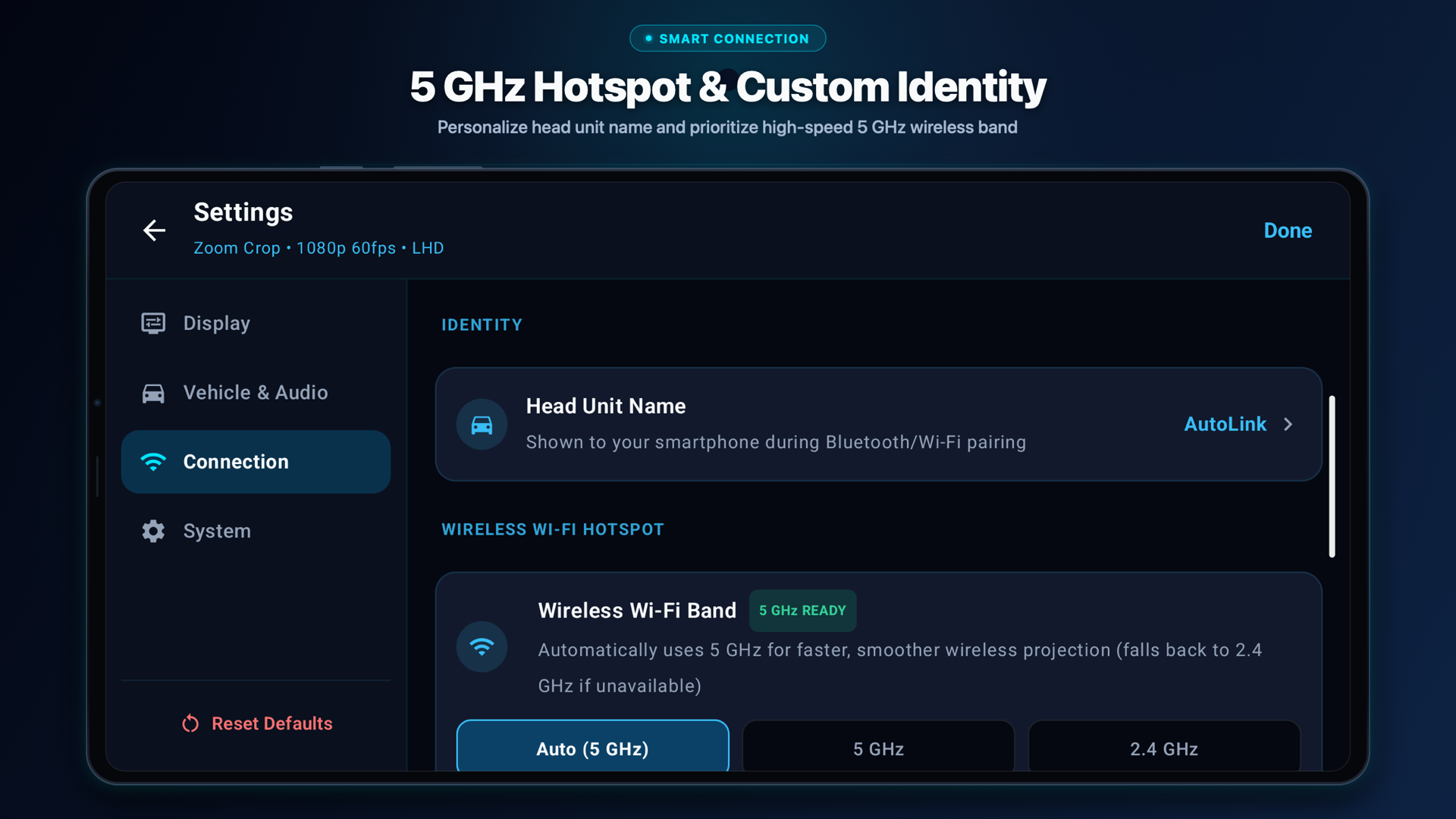
Connect your smartphone via USB cable, or pair over Bluetooth from the Wireless card to initiate automatic Wi-Fi projection.
Pick your preferred resolution, aspect fit, LHD/RHD dock side, and Day/Night schedule—and AutoLink handles the rest automatically.
AutoLink runs on Android head units, Android tablets, and Android phones running Android 7.1 (API 25) or higher acting as the in-vehicle display.
Your smartphone needs Android Auto installed and Wireless Android Auto enabled in Android Auto settings. After pairing via Bluetooth once, AutoLink handles the Wi-Fi projection handshake automatically.
No. Microphone audio and optional head-unit GPS coordinates are streamed strictly locally between your head unit and your connected smartphone. See our Privacy Policy for full details.
Yes. Under Settings → Vehicle & Audio, you can switch between Left-Hand Drive and Right-Hand Drive so the Android Auto taskbar sits closer to the driver.